
with you
Create project and catalogue
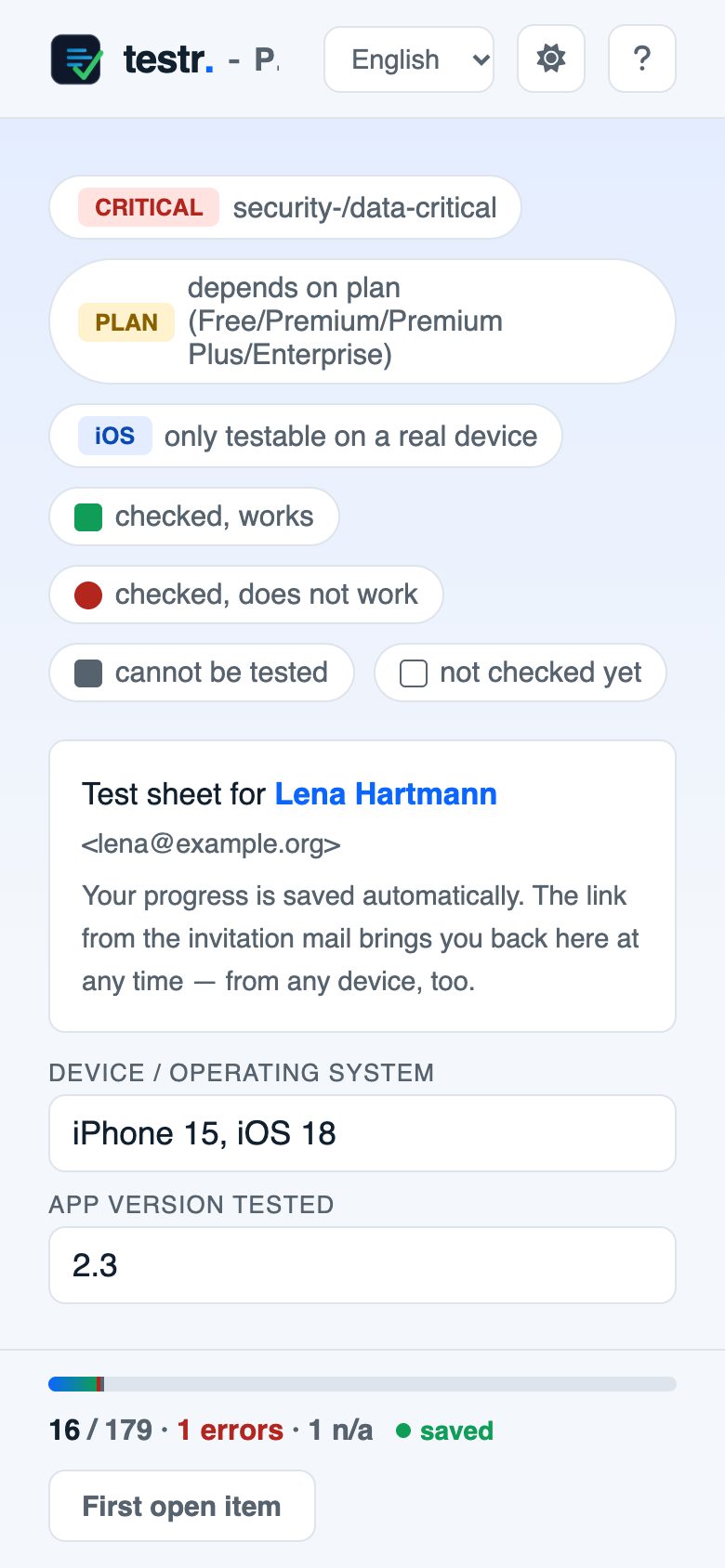
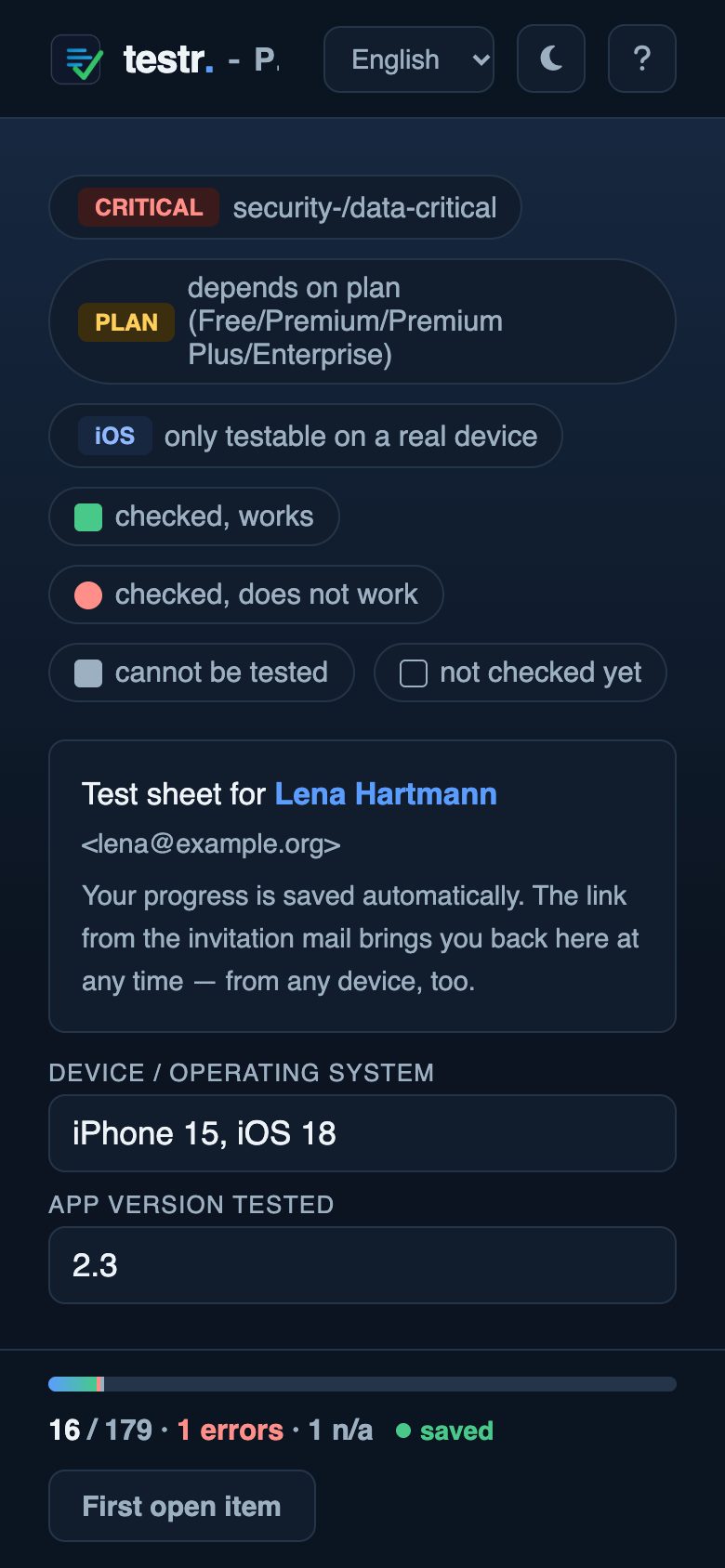
Add sections, groups and check items in the editor or upload a finished list. Items can carry CRITICAL, PLAN or iOS.
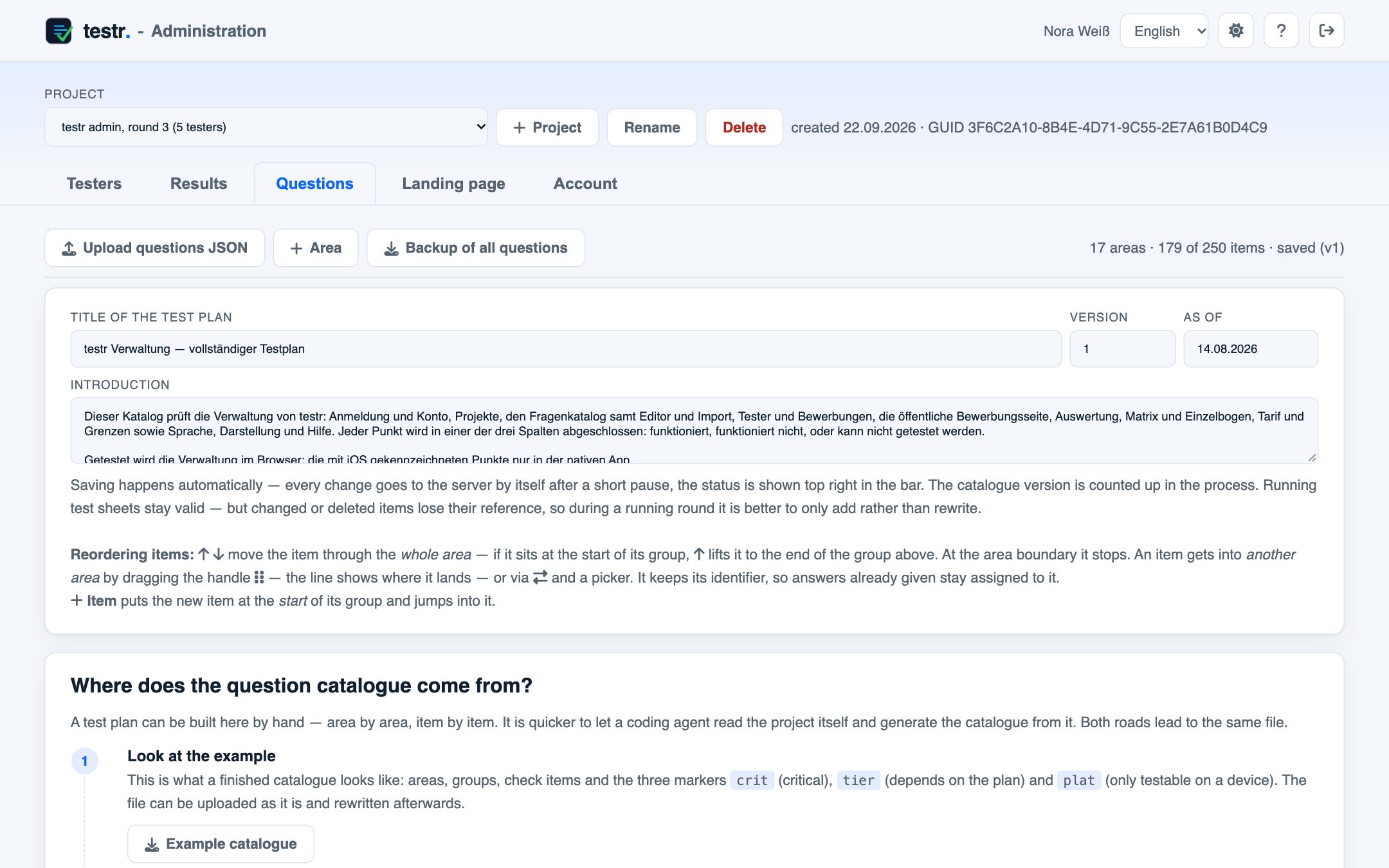
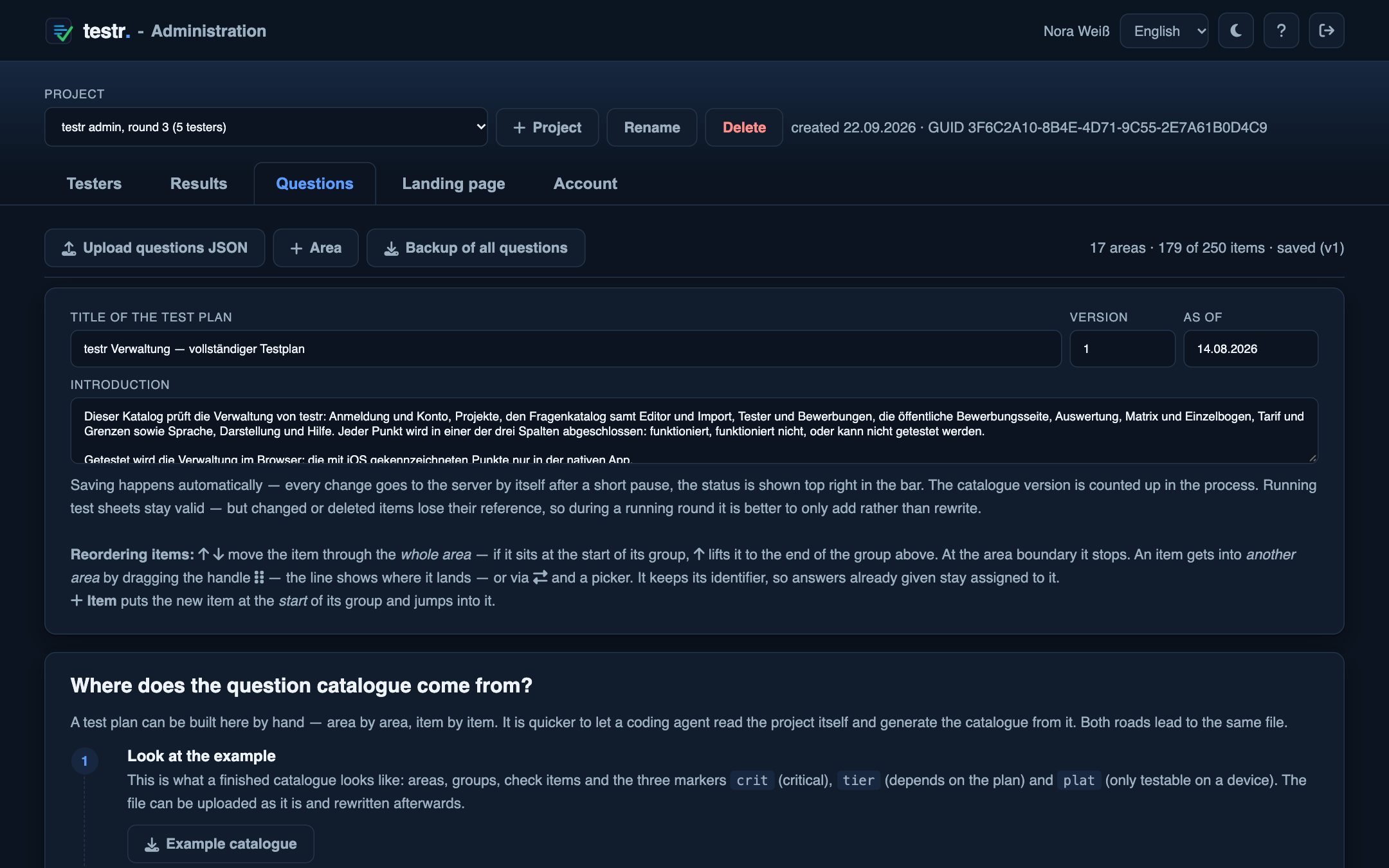
Build a question catalogue, invite testers by link. The results come to you on their own.
A test round without testr looks like this
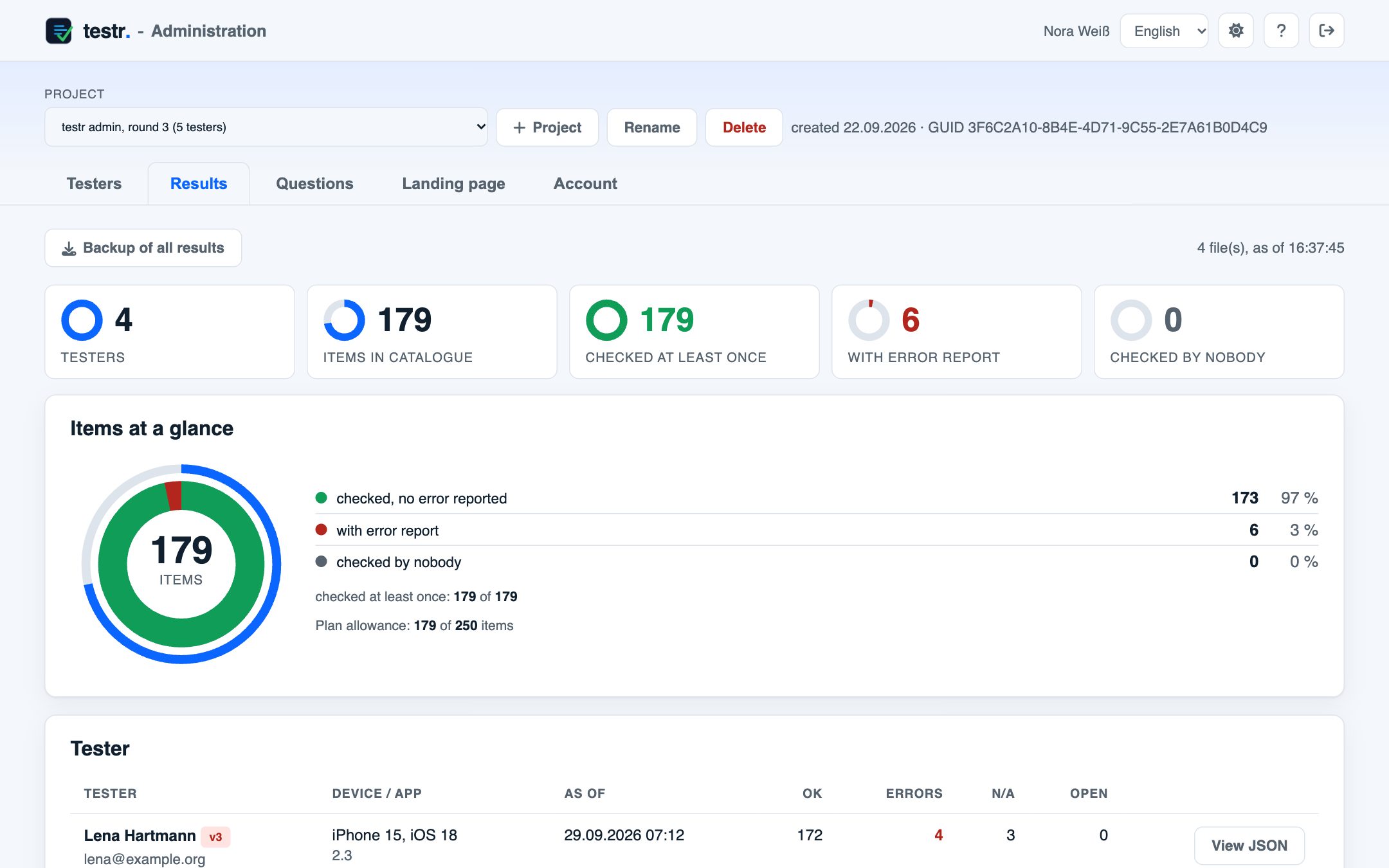
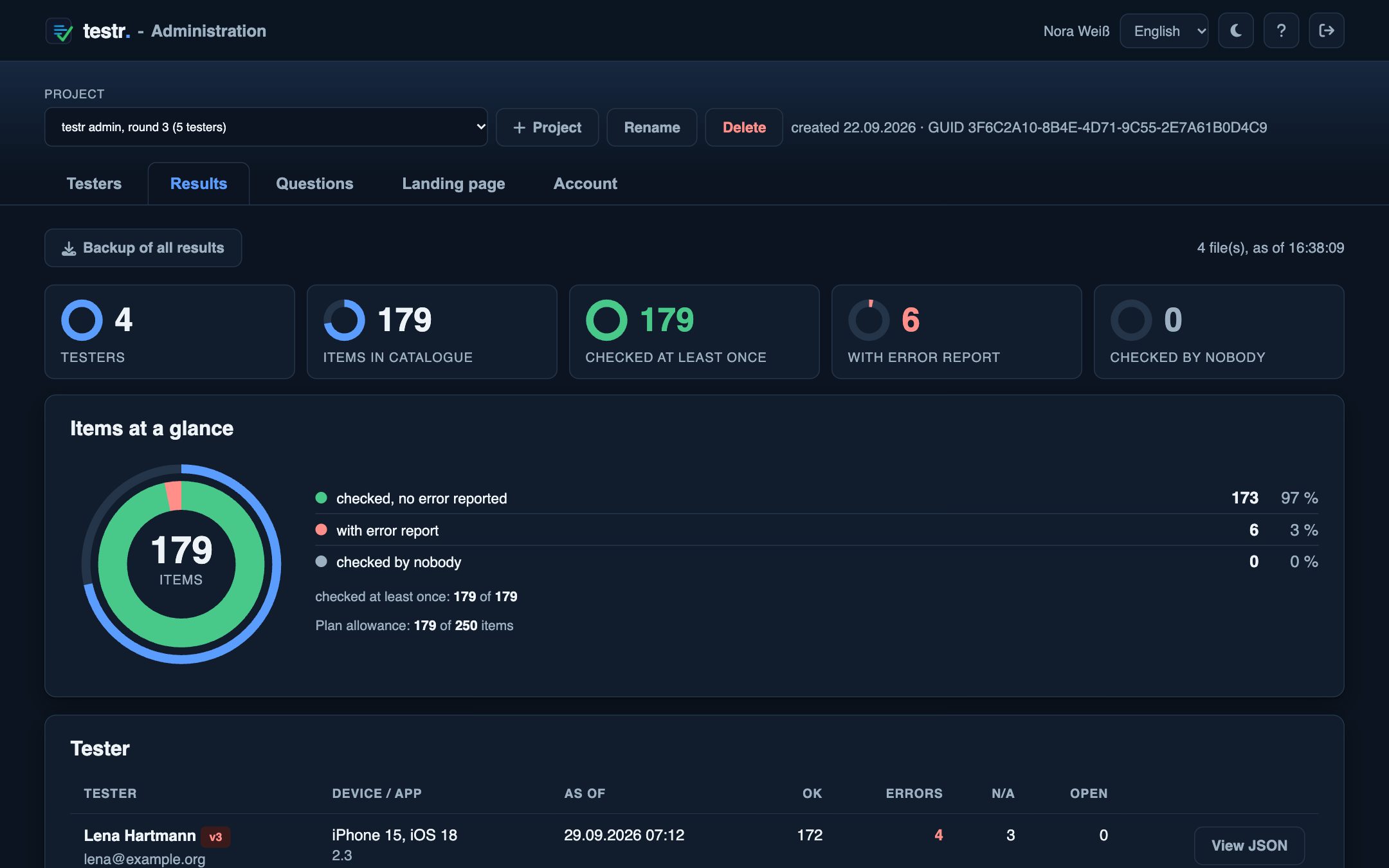
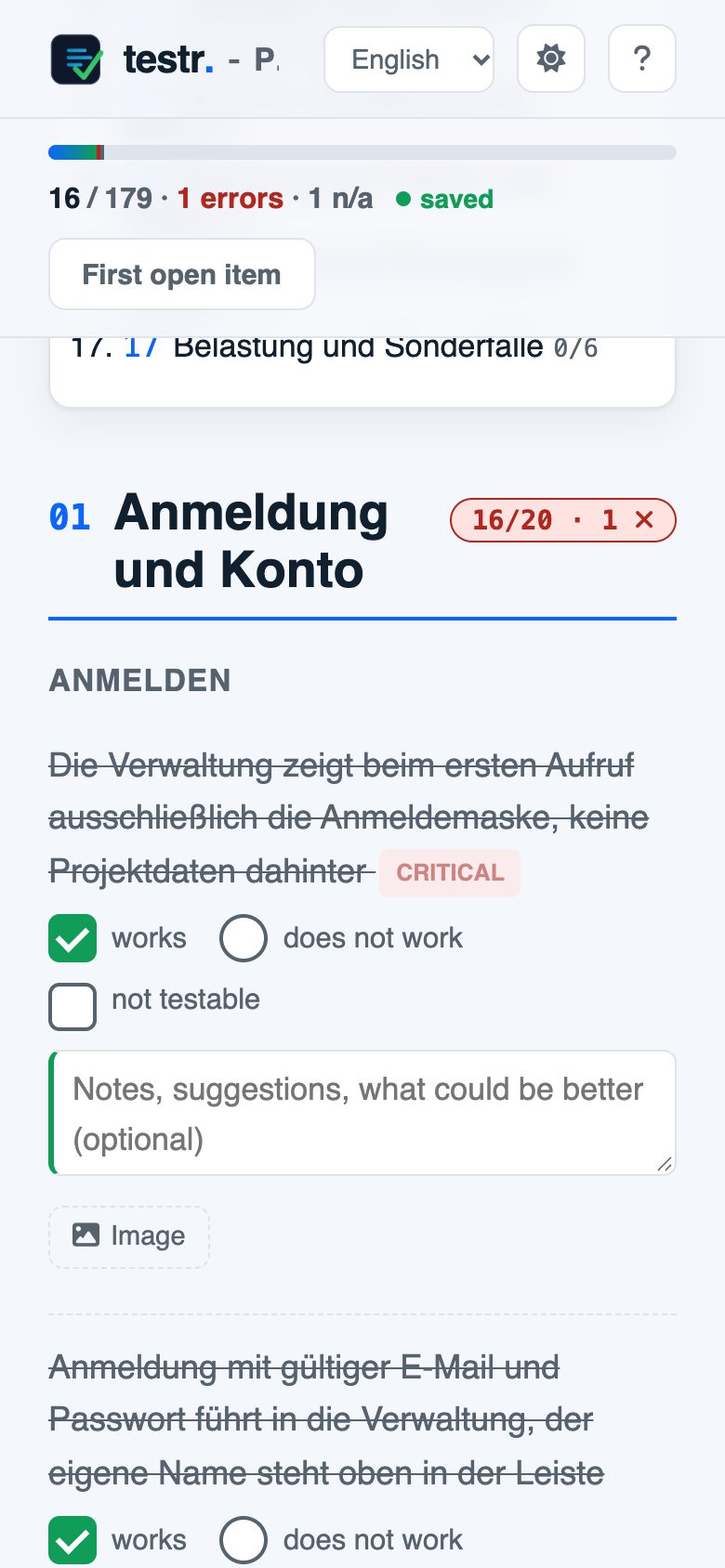
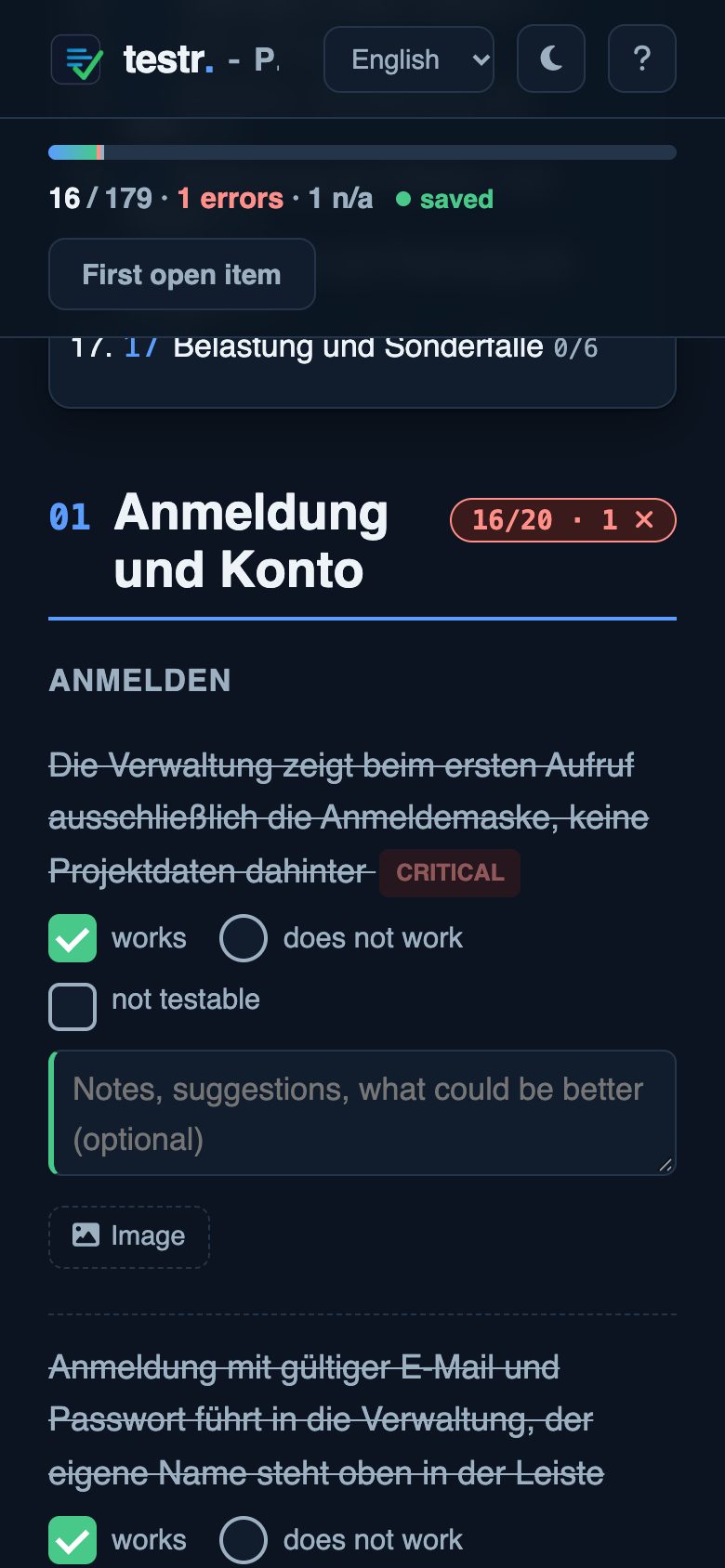
Five testers work at the same time. Every answer lands in the matrix right away, so there is nothing to collect.
| Check item | LenaHartmann | JonasBrenner | AylinDemir | MartaRuiz | TobiasKern |
|---|---|---|---|---|---|
| The admin shows only the sign-in form on first visit, no project data behind itSign in | |||||
| Signing in with a valid email and password opens the admin, your own name appears in the top barSign in | |||||
| A wrong password is rejected with a message and the form staysSign in | |||||
| An unknown email address is rejected without revealing whether the account existsSign in | |||||
| Signing in with an empty password field is rejectedSign in | |||||
| After closing and reopening the browser you are still signed inSign in | |||||
| Signing out returns to the sign-in form, going back in the browser shows no more dataSign in | |||||
| “Register for free” opens the form for a new accountCreate account |
Four steps are left, and none of them is an email.
Sections, groups and check items in the editor, or upload a finished list.
Name and email are enough. Everyone gets a link and sees only their sections.
Testers click each item into one of three columns. Saving happens instantly.
Key figures, bugs with comment and reporter, the item-by-tester matrix.
Every tester gets their own. That is all they need.
testr.software/testr/the test sheet page#from here on, everything stays in the browserp=3F6C2A10-8B4Ethe project&t=9d41f0c2b7e3this tester’s access
The browser never sends what comes after the # to the server. Project and access therefore show up in no log and no referrer.
Four stops, and at none of them do you have to forward anything.
Add sections, groups and check items in the editor or upload a finished list. Items can carry CRITICAL, PLAN or iOS.
Name and email are enough. The email carries the project name in the subject and the personal link. You can also copy the link and pass it on yourself.
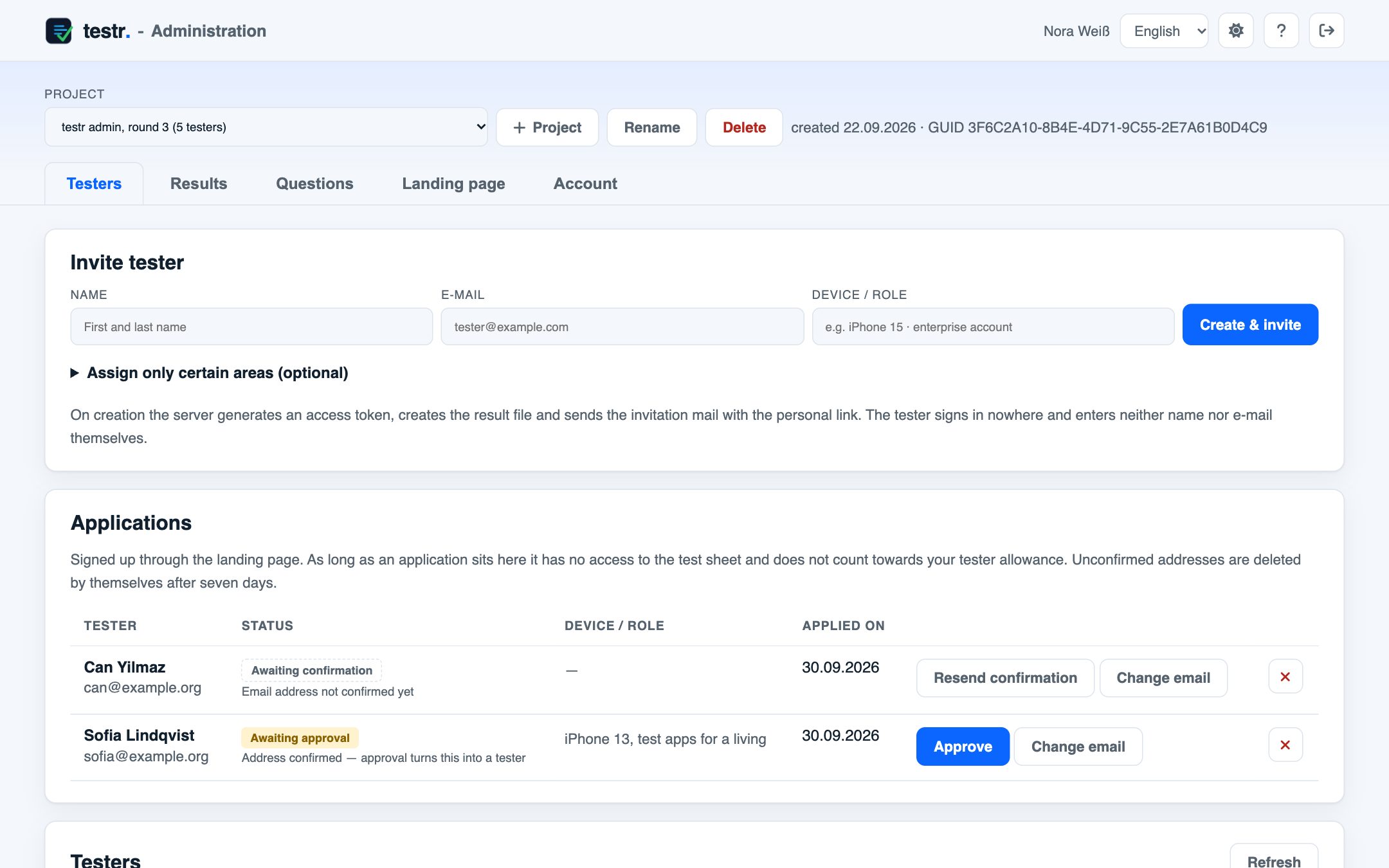
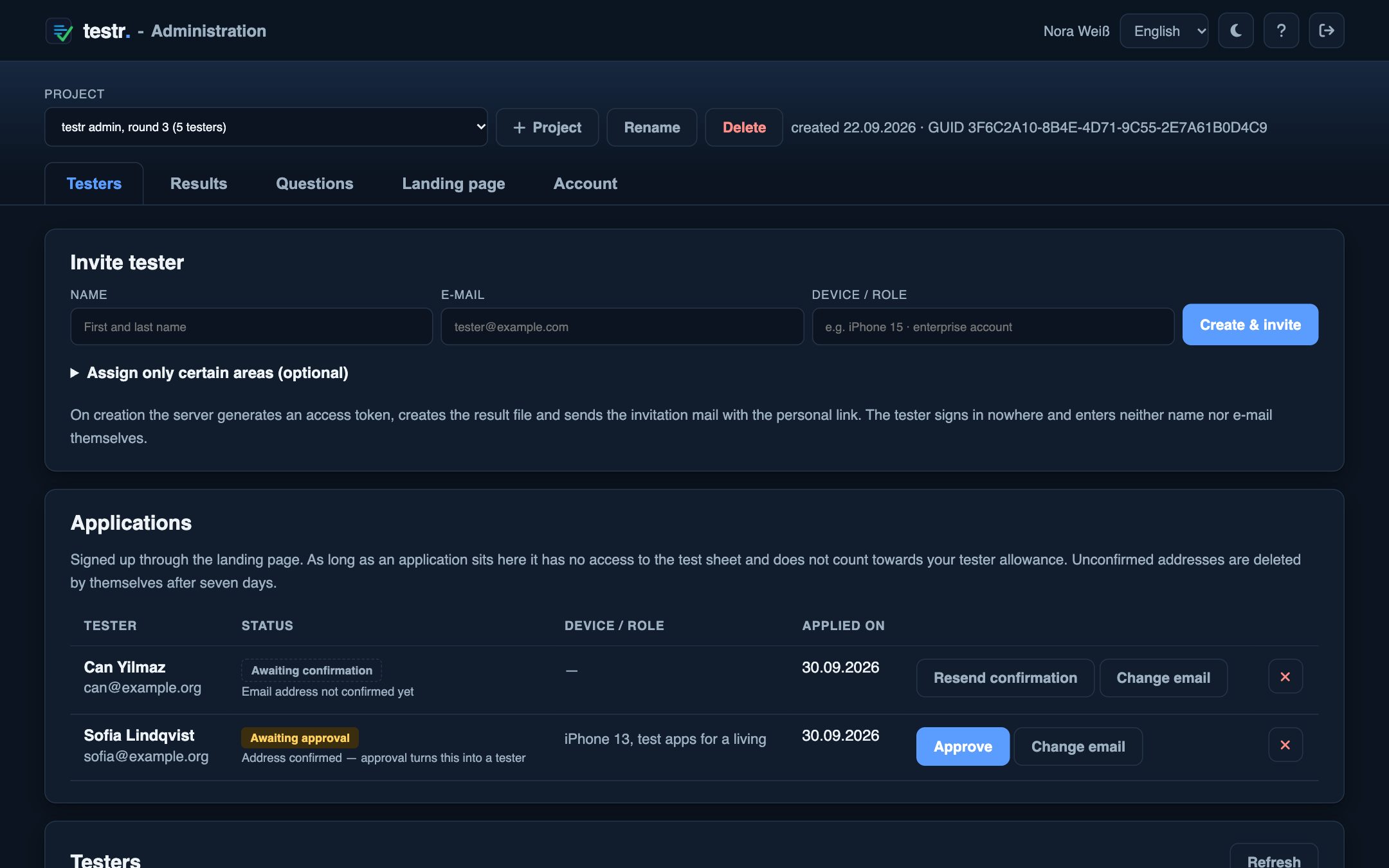
No account, no installation. The tester sees only their sections and clicks each item into one of three columns. Every entry goes out right away.
Key figures, reported bugs with comment and reporter, the item-by-tester matrix. The filter “only contradictory ratings” shows what depends on the device.
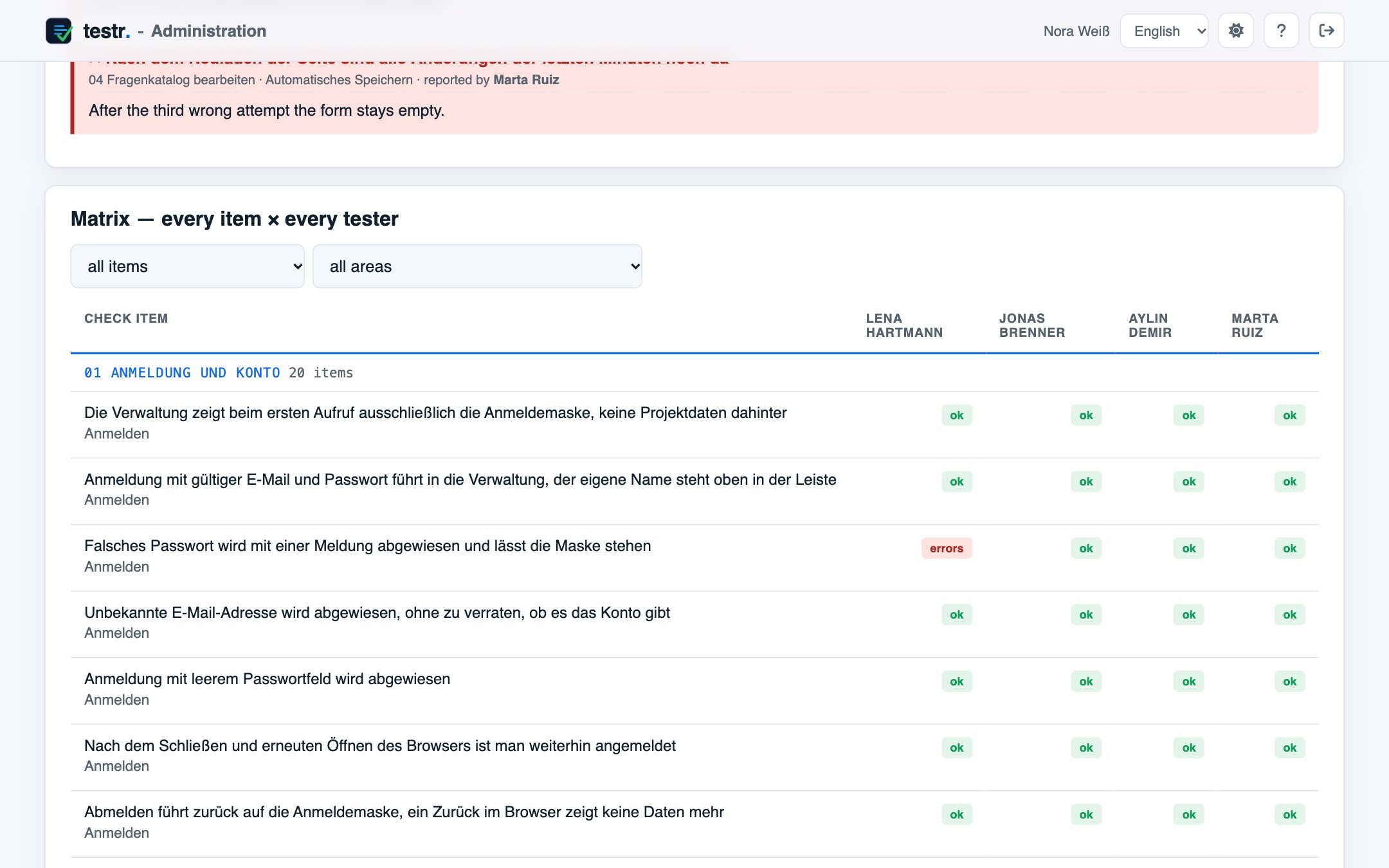
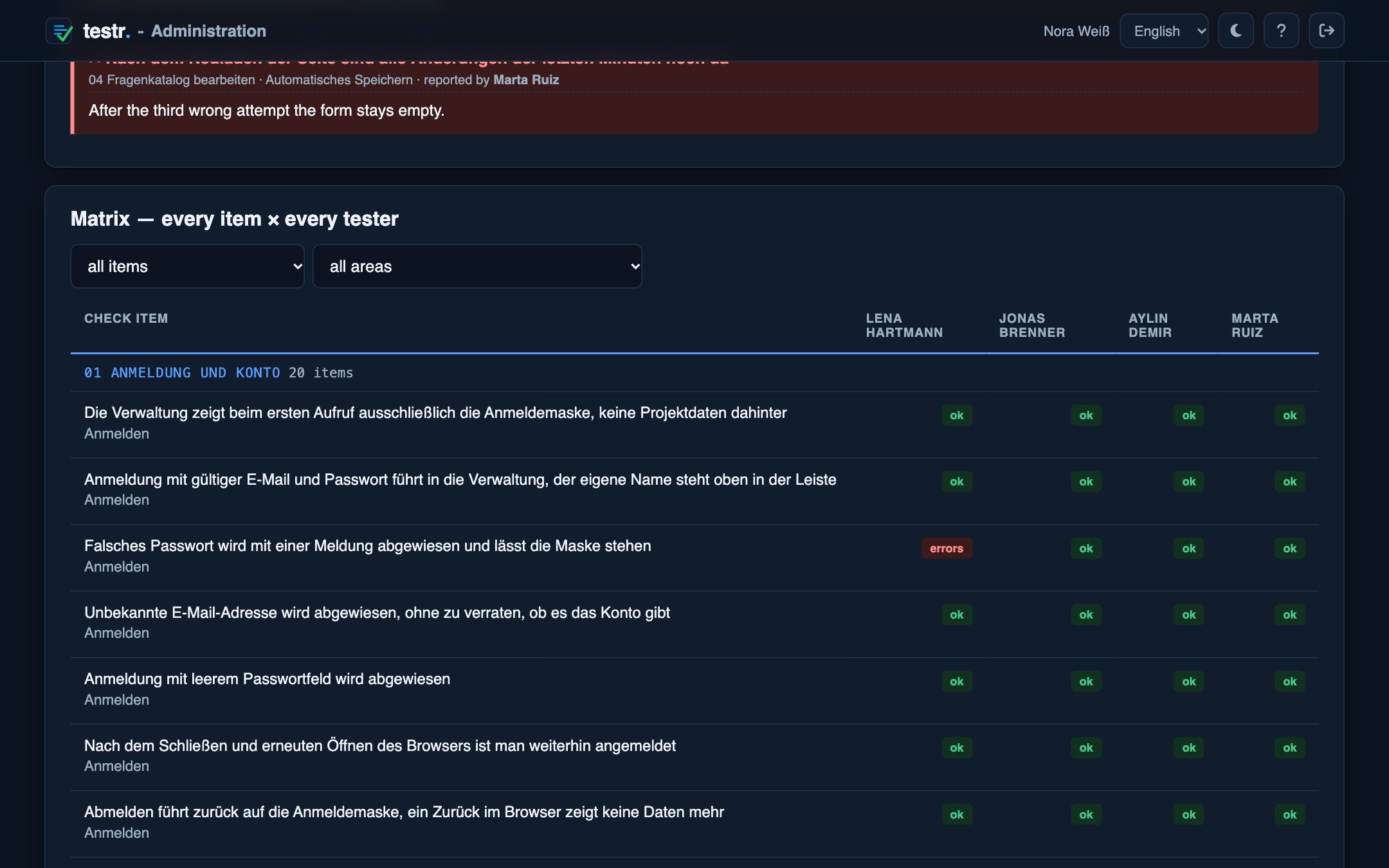
Five tabs for you, a single page for your testers.
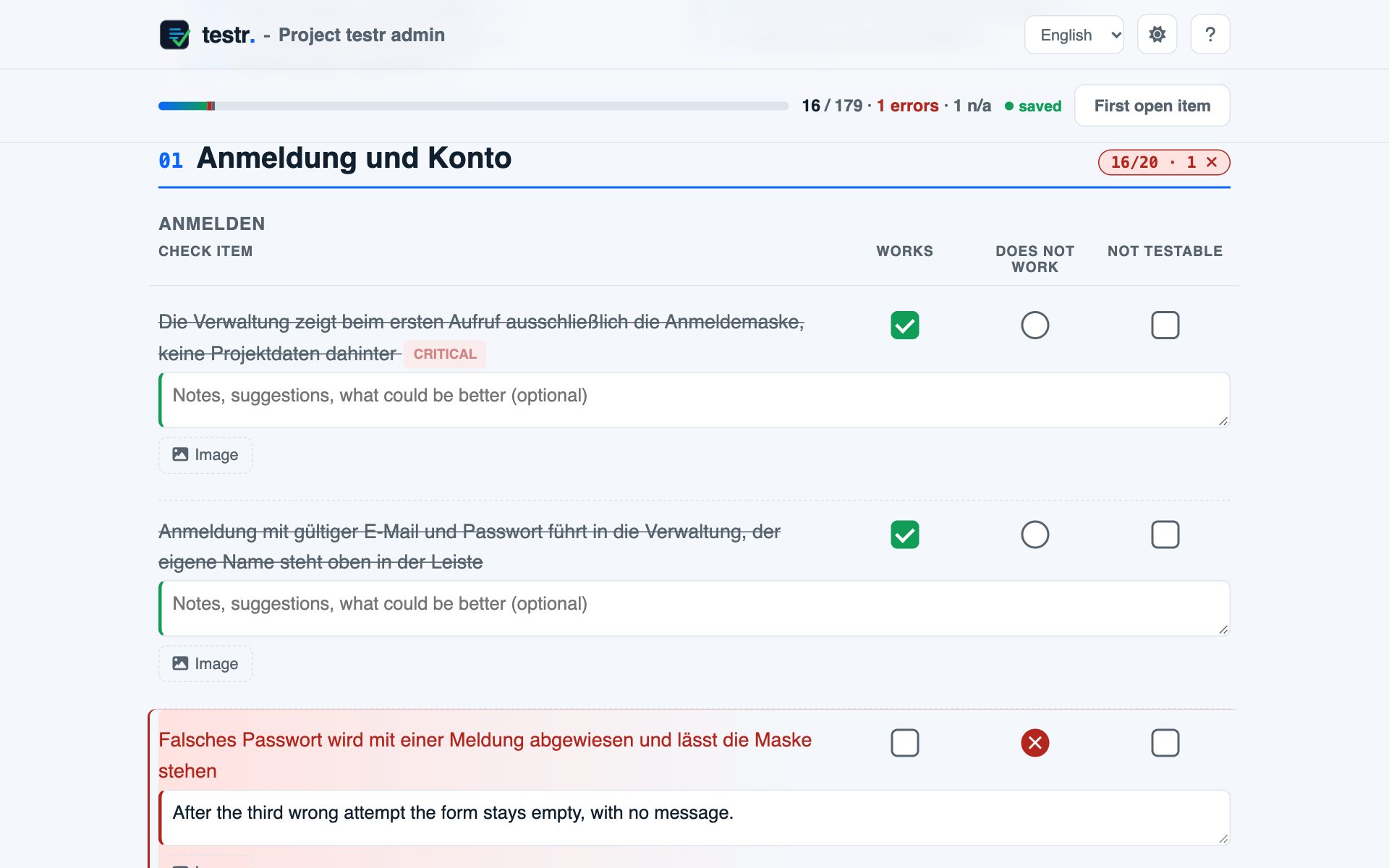
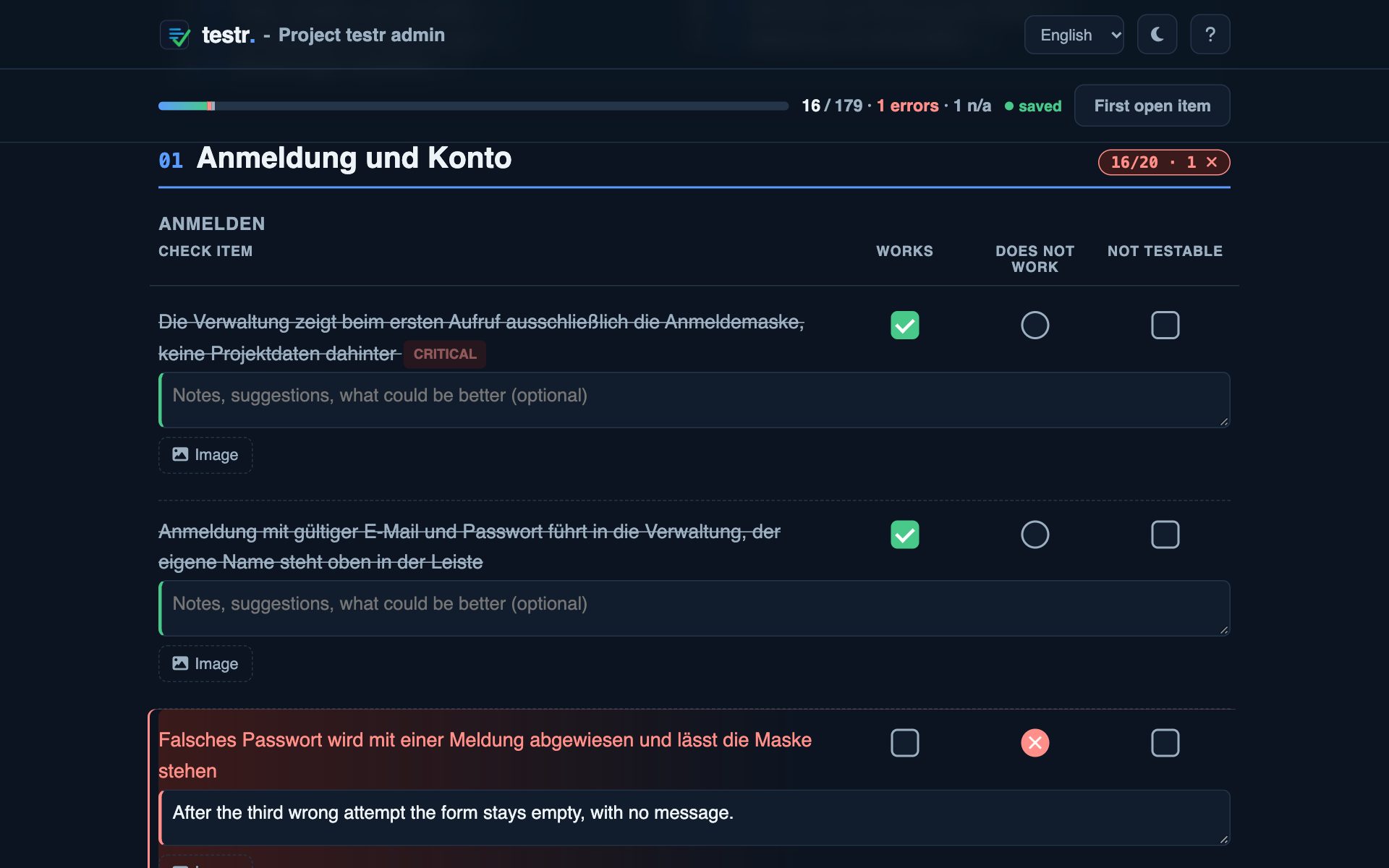
Their name, their progress and the items. They only enter device and app version, the rest is clicked off in three columns. A bug opens the comment field, and a screenshot fits too.
Name, email, done. The list shows ok, bug, can’t be tested and open per tester, plus buttons for link, resending the email and blocking.
How much is checked, what was reported and who rated which item how. The filter “only contradictory ratings” shows what depends on the device.
Move, edit and tag sections, groups and items. It saves on its own and counts the version.
Plans differ in size. Everything here works in every plan.
Works, doesn’t work, can’t be tested. The last two open a comment field.
Without a connection the state stays in the browser and is sent later.
A tester sees only their sections.
Testers add their own cases per section.
Running sheets stay valid when the catalogue grows.
Subject with the project name, personal link. After that you don’t have to write to anyone. You can also copy the link yourself.
The whole state as one file. Your data stays your data.
Every account has its own folder. Tester data cannot be fetched over the web.
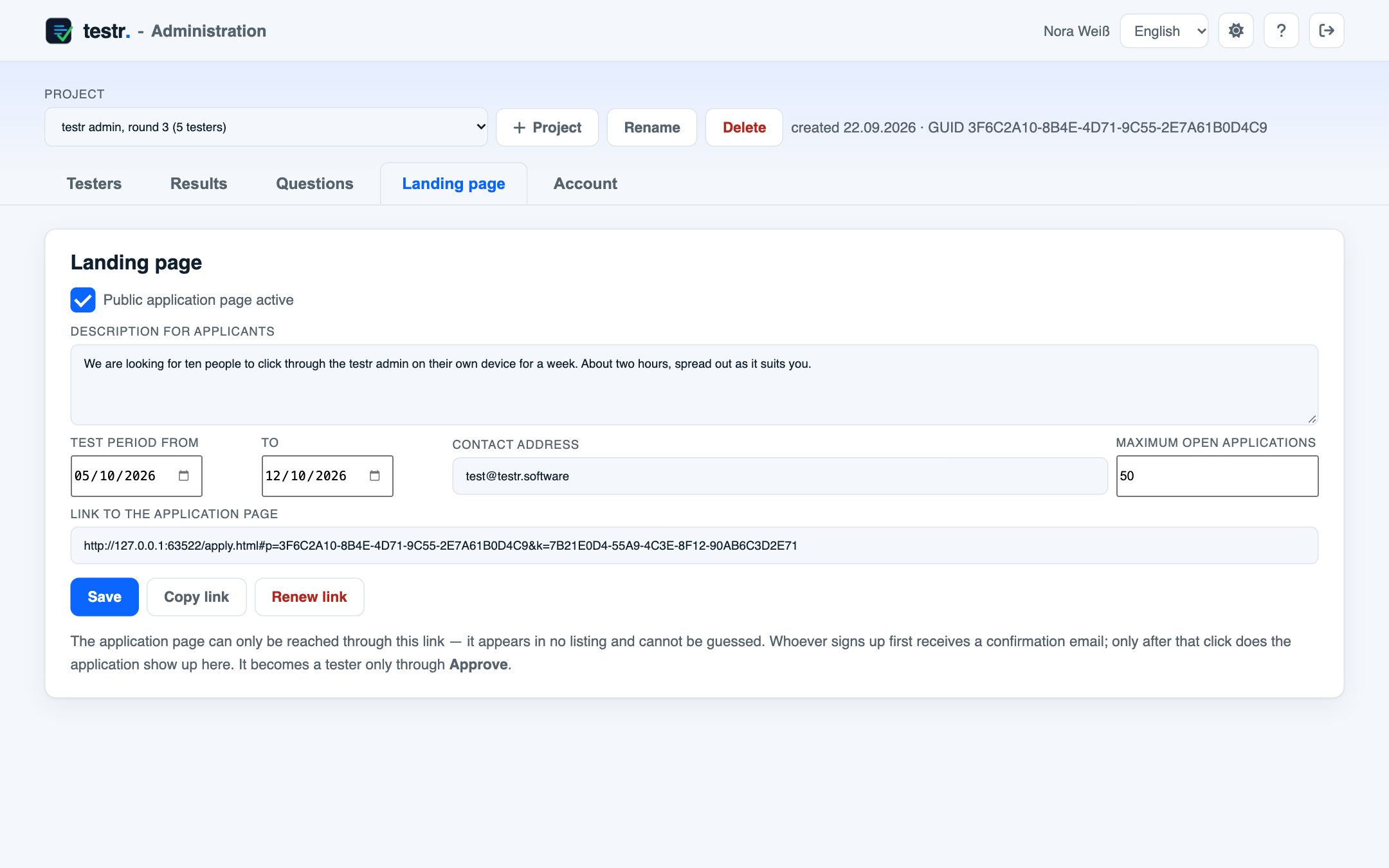
The landing page gives a project a public sign-up page. You share one link, people sign up, and you decide who tests.
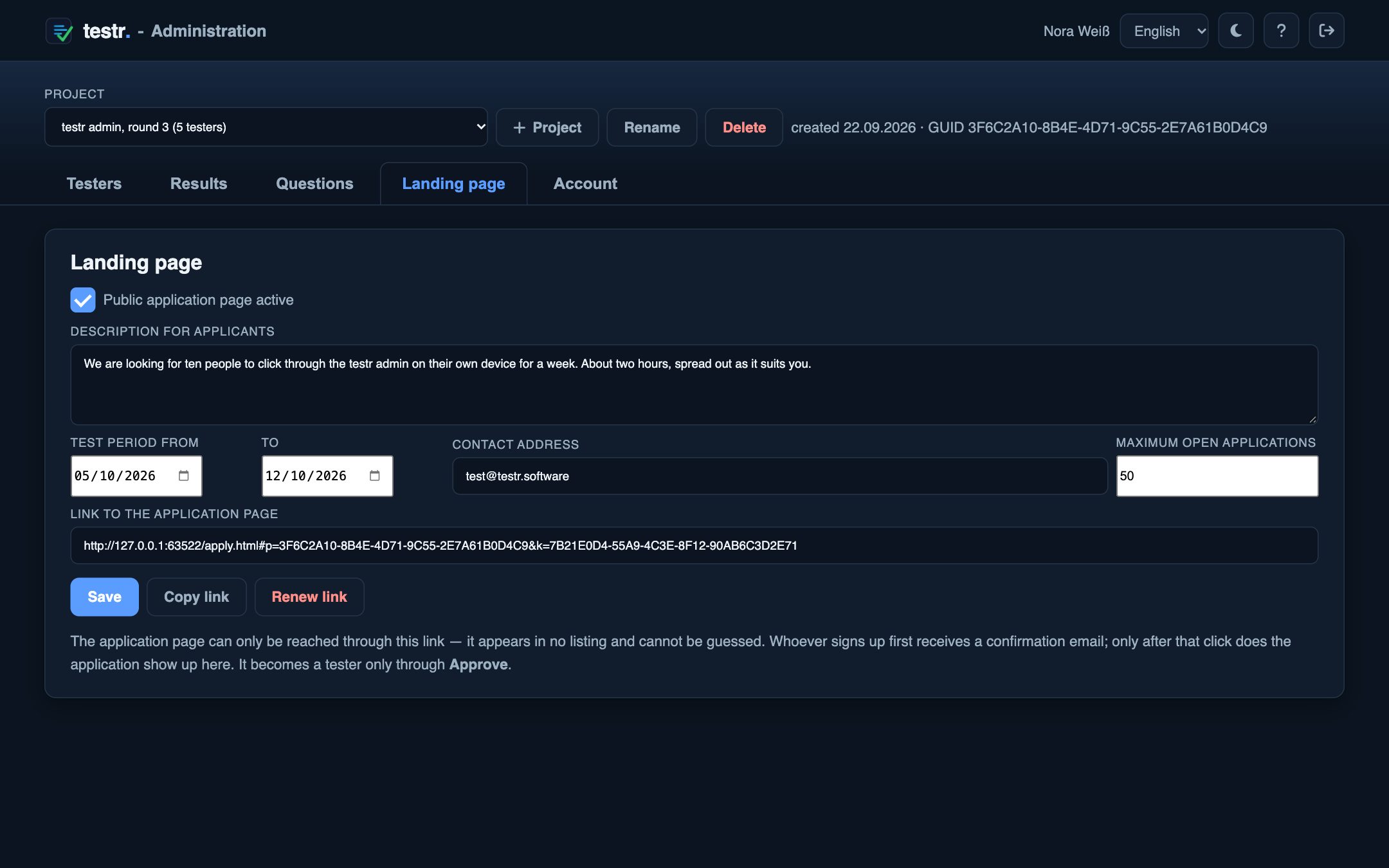
In the Landing page tab: description, test period, contact address and the maximum number of open applications. Save, and the link is ready.
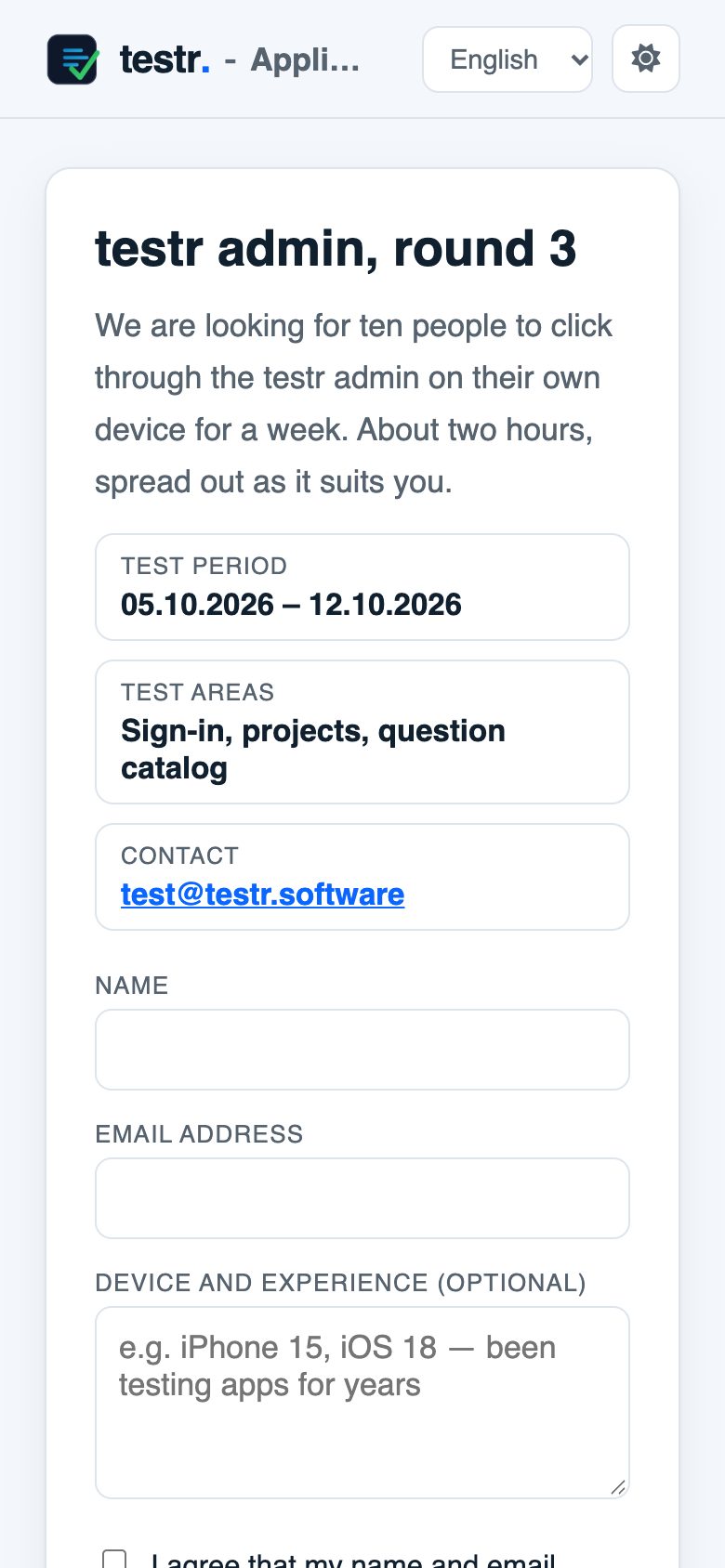
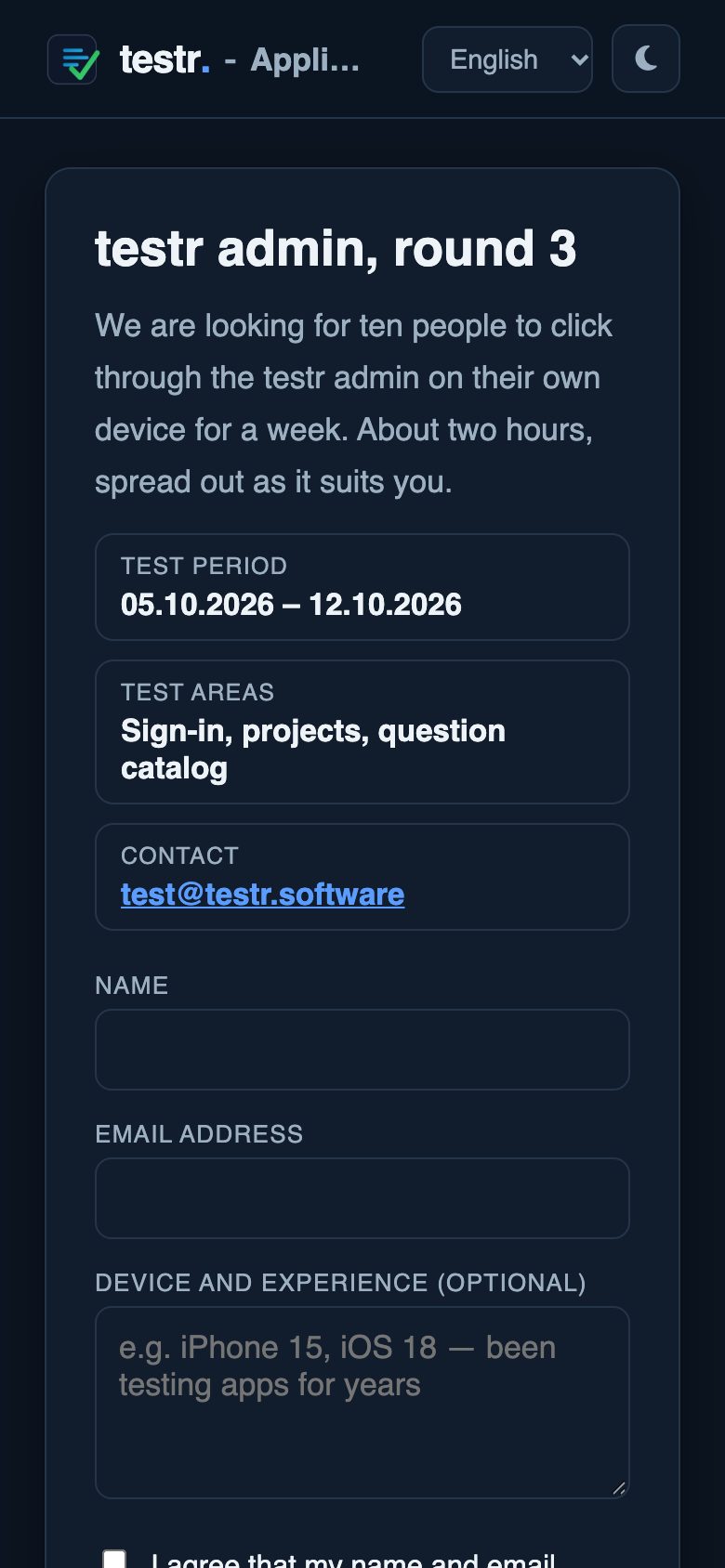
Applicants enter name and email, device and experience if they like, and give consent. They don’t need an account.
The application only shows up for you after the click in the confirmation email. You get a notification.
In the Testers tab you approve and assign sections. The applicant gets the usual invitation with their link. Rejecting deletes the application without a message.
You pay for scope. Cancel monthly, no setup fee.
For trying it out and for a small project that stays small.
Several test rounds a year, a team testing along.
Agencies and departments with several projects at once.
When projects and testers are past counting.
The public sign-up page, where testers apply themselves, is available from Premium.
No. A tester opens their link, that is all. Project and access sit after the # in the address, and the browser does not send that part to the server. Only whoever creates test plans needs an account.
They sign up on the sign-up page and confirm their address. You then see the application in the Testers tab and approve it. Only then do they get their link to the test sheet.
Existing projects and sheets carry on, nothing is lost. You can only create something new again once you switch plan or delete an old project. Check items count per catalogue: 25 in the one project on Free, 250 in each of the ten on Premium.
At any time, in both directions. When downgrading, all projects are kept. You can only create new ones once you are below the new limit.
On the server, in a folder of its own per account. The files holding testers’ names and email addresses cannot be fetched over the web, only the server itself reads them. Permission is checked on every request, not just at sign-in.
The sheet carries on and keeps everything in the browser. As soon as there is a connection again, the state goes out. Closing the page with unsaved work makes the browser warn.
Adding works at any time. Rewriting or deleting an item takes the reference away from an answer already given. It then shows up in the results as “item no longer in the catalogue”. During a run, better to add.